A passkey can remove a phishable password from the sign-in flow. It cannot fix a careless recovery process, confused onboarding, or an account model that nobody owns. The rollout is the product.
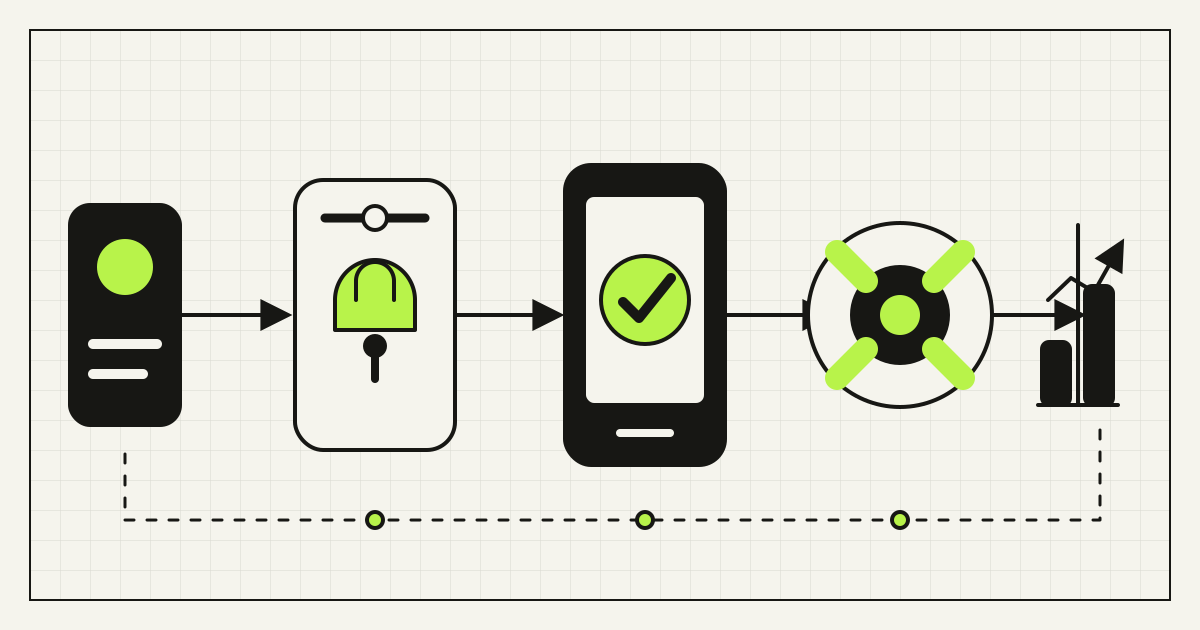
The short answer: add passkeys first as an optional, prominent sign-in method for a well-understood account group. Keep a tested fallback, require strong verification before adding or deleting credentials, let users manage multiple passkeys, and measure successful sign-ins and recoveries. Remove passwords only after the evidence shows that the remaining paths are safer and usable.
This is now a mainstream product decision, not a laboratory experiment. The FIDO Alliance State of Passkeys 2026 study estimates five billion passkeys in use; in its surveys across ten countries, 75% of consumers had enabled one on at least one account and 68% of organizations had deployed or were deploying them for employee sign-in. The countries surveyed did not include Ukraine or Russia, so those figures are directional for our markets, not local adoption estimates.
What a passkey changes—and what it does not
A passkey is a WebAuthn public-key credential. During registration, the authenticator creates a key pair scoped to the website or app. The service stores the public key; the private key remains under the authenticator's control. At sign-in, the server sends a fresh challenge and verifies the signed response. The user's face, fingerprint, or device PIN unlocks the credential locally; the site does not receive that biometric data.
The W3C WebAuthn Level 3 specification, published as a Candidate Recommendation Snapshot on 26 May 2026, defines these scoped public-key credentials and the browser API. NIST explains the practical security benefit in SP 800-63B: WebAuthn binds authentication to the verified domain, whereas passwords and manually entered one-time codes are not phishing-resistant.
| Method | Server stores | User presents | Phishing resistance |
|---|---|---|---|
| Password | Password verifier | Reusable secret | No |
| Password + typed OTP | Password verifier and MFA binding | Secret plus relayable code | No |
| Passkey with user verification | Public key and credential metadata | Domain-bound signature after local unlock | Yes, when correctly implemented |
That does not make the whole account phishing-resistant automatically. If support resets the account after checking easily obtained facts, or email recovery alone can replace every passkey, the attacker will choose that path. Session theft, malware on an unlocked device, authorization flaws, and social engineering after sign-in also remain separate risks.
Choose the first account group deliberately
Do not begin with “all users.” Map account types, devices, consequences, and support capacity. Good first cohorts have repeat sign-ins, identifiable users, modern devices, a recoverable support path, and meaningful password or OTP friction.
| Account group | Why it may be suitable | What to verify first |
|---|---|---|
| Administrators and staff | High impact of phishing; controlled onboarding | Managed versus personal devices, SSO, offboarding, spare authenticator |
| Returning customers | Less password reset friction; repeat behavior is measurable | Account discovery, shared devices, cross-device sign-in, fallback |
| Partners or suppliers | Known identities and recurring portal access | Contractor turnover, federation, delegated administration |
| Guest checkout | Usually none | Do not force account creation merely to deploy passkeys |
For a store, start with customers who already have an account and return to track orders, manage subscriptions, or reorder. Keep guest checkout. For an internal tool, start with a small team but test the real device mix: Windows and macOS, Android and iOS, personal and managed profiles, current browsers, and security keys where required.
Make recovery part of authentication
Draw every route by which someone can regain or change access: synced passkeys, a second device, hardware security key, identity-provider account, email link, SMS, recovery code, help desk, and administrator reset. Assign an assurance level and notification rule to each. The effective security of the account is close to the easiest route that can replace its authenticators.
NIST's guidance for syncable authenticators recommends central credential management, multiple authenticators for higher-assurance accounts, recovery notifications, and controls over enterprise sync. Synced consumer passkeys improve availability across devices, but they are not the same control as a device-bound hardware key. Match the authenticator and recovery policy to the consequence of compromise.
- Offer more than one passkey. Let a user register another ecosystem or a hardware key.
- Step up before changes. Adding or deleting a passkey, changing recovery data, or exporting sensitive data requires recent strong authentication.
- Notify through an existing channel. Report new credentials, recovery, deletion, and important account changes.
- Add a cooling-off rule where risk warrants it. A recovered account need not gain immediate control of payouts, administrators, or all stored data.
- Give support a narrow process. Agents should see risk signals and execute a logged policy, not improvise identity proofing.
Recovery must also be humane. A customer with a broken phone should not lose years of purchases; a former employee should not retain access because a key survived on a personal device. Design consumer recovery, workforce offboarding, and emergency administrator access as different workflows.
A six-stage passkey rollout
- Baseline the current flow. Measure sign-in success, password resets, MFA failures, account-takeover reports, support contacts, and completion time by device and browser. Without a baseline, “better” is a launch announcement.
- Map identity and recovery. Document account identifiers, duplicate accounts, social login, SSO, trusted sessions, credential changes, offboarding, and support overrides. Decide which account record owns each credential.
- Build the complete lifecycle. Registration, authentication, reauthentication, multiple-credential management, deletion, loss, recovery, notification, and audit belong in the first production design.
- Run an internal compatibility pilot. Test supported browsers and operating systems, private browsing, device changes, QR-based cross-device sign-in, accessibility tools, shared computers, cancelled dialogs, timeouts, and network failure.
- Offer an opt-in cohort. Prompt after a successful conventional sign-in or in security settings. Keep fallback visible. Do not auto-enroll a credential on a shared device without clear intent.
- Expand by evidence. Improve copy and recovery from observed failures, then widen eligibility. Consider password removal only for cohorts with adequate passkey coverage and a stronger recovery route.
The fresh August 2026 FIDO enterprise rollout session makes the same operational point: enrollment, recovery, legacy applications, audit, and user adoption are part of deployment, not clean-up work after the authentication API is connected.
Technical acceptance checklist
- Generate unpredictable, single-use server challenges and expire them quickly.
- Validate origin, relying-party ID, challenge, credential ID, signature, and the user-presence and user-verification flags required by policy.
- Use HTTPS everywhere and configure web/app association for native applications.
- Store public keys and credential metadata safely; never expect a private key or biometric template.
- Support multiple credentials per account, with creation time, last use, provider label where available, and server-side deletion.
- Rate-limit registration, authentication, discovery, recovery, and credential-change routes without enabling account enumeration.
- Revoke sessions and review recent changes after suspected takeover or recovery.
- Log credential lifecycle events without logging challenges, personal secrets, or excessive device fingerprints.
- Keep libraries and platform integrations updated; test migrations of credential formats and database constraints.
- Threat-model fallback and support routes with the same care as the WebAuthn ceremony.
The OWASP Authentication Cheat Sheet is a useful independent review baseline. A mature identity provider may implement much of this safely. A custom account system still needs application-specific lifecycle, authorization, support, and UX work.
Design the unfamiliar moments
Use the language customers already see in their platforms, and explain the action before opening an operating-system dialog. In English, “Create a passkey” is clearer than “Register WebAuthn credential.” Explain that the person will use their screen lock and that the site does not receive their face or fingerprint.
Google's passkey user-journey guidance, based partly on FIDO research, recommends prompting during sign-in, in security settings, after recovery, or after reauthorization. It also recommends a recovery method for passkey-first accounts and a management page that distinguishes multiple credentials.
Test keyboard navigation, screen-reader announcements, focus return after native dialogs, zoom, error messages, and translated UI. Do not encode the state only in a passkey icon. Show a plain-language alternative when the browser, device, policy, or user choice prevents the flow.
Measure outcomes and define stop conditions
- eligible users who see, start, and complete enrollment;
- passkey sign-in attempt and success rate by platform;
- median time to sign in, compared with the old flow;
- fallback use and its reason;
- recovery starts, completions, abandonment, and support contacts;
- credential additions and deletions after recovery;
- account-takeover and phishing-related incidents, with enough time for a meaningful comparison;
- accessibility and compatibility defects by cohort.
Pause expansion if recovery failures rise, a material platform cohort cannot sign in reliably, support starts bypassing identity checks, or account linking creates duplicates. Adoption alone is not success. A high enrollment rate paired with a weak fallback simply adds a new button to the old risk.
Frequently asked questions
Are passkeys safer than passwords and SMS codes?
Properly implemented passkeys are resistant to credential phishing because the signature is bound to the legitimate site. Passwords and typed one-time codes can be disclosed or relayed. Overall account security still depends on recovery, sessions, authorization, devices, and support.
Does the website receive a user's face or fingerprint?
No. The device uses its local unlock mechanism to authorize a cryptographic operation. The service receives a signed response and stores a public key, not the biometric sample.
What happens when a user loses their phone?
A synced passkey may be available on another authenticated device. The user may also use a second registered passkey or a deliberately designed recovery path. Test loss and replacement before launch; do not assume every ecosystem behaves identically.
Should we remove passwords immediately?
No. Start with optional enrollment and a measured cohort. Remove passwords only when users have adequate credential coverage, recovery is stronger than the old password reset, compatibility is proven, and support can operate the new lifecycle.
Can we add passkeys to an existing website?
Usually yes, either through the current identity provider or a WebAuthn implementation. The difficult part is often not the browser call but account linking, recovery, legacy clients, session policy, support, and migration.
Make the safer route the easier route
Passkeys can reduce both phishing exposure and sign-in friction, but only when people can enroll, return on another device, recover safely, and understand what happened. Start with one cohort, build the entire credential lifecycle, keep evidence, and expand on measured success.
Rendframe can audit an existing login and recovery flow, define the right identity architecture, implement a passkey pilot, and test it across real devices and edge cases. Review our production-readiness checklist, explore Rendframe product engineering, or send us your current sign-in and recovery map.